Everything You Need to Run a Powerful Fundraising Event
Services
Donors can cover the platform fee and processing fees if you choose. That means many organizations run live auctions for next to nothing out of pocket.




Each tool below is built to work beautifully on its own—or seamlessly together.
Our Core Fundraising Tools
Services

Event Ticketing
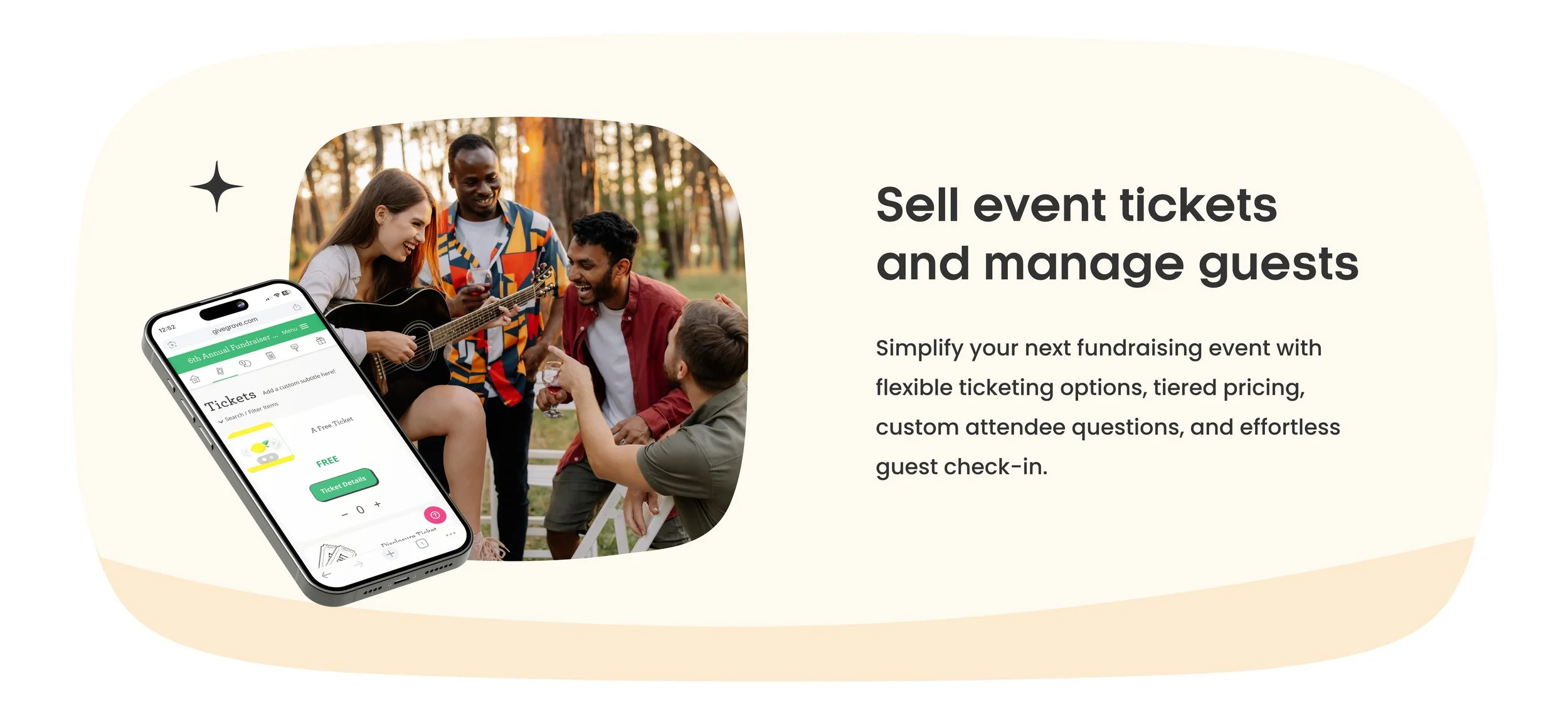
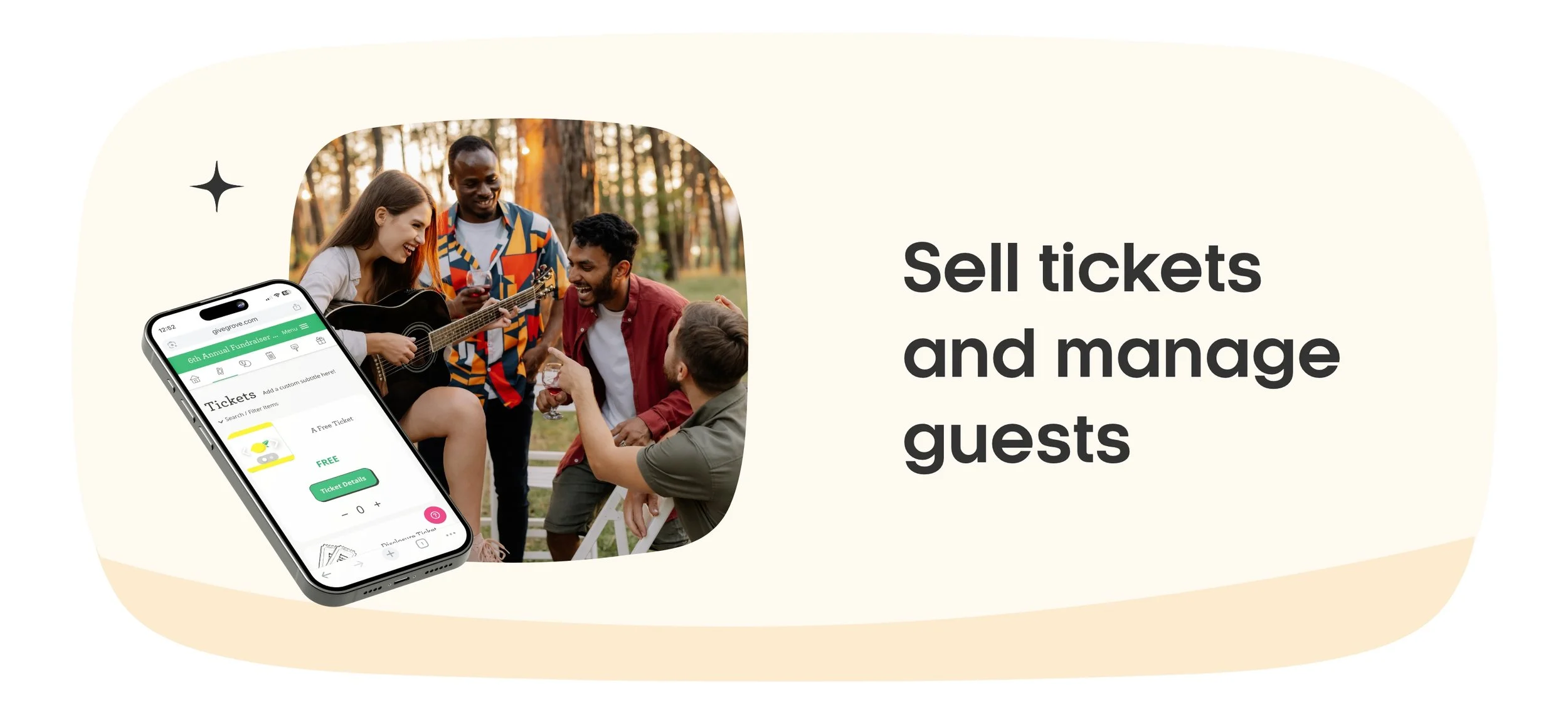
Sell tickets and manage guests without spreadsheets.
Create group or single tickets, set pricing tiers, ask custom questions for attendees, and check in attendees with ease.

Silent Auction
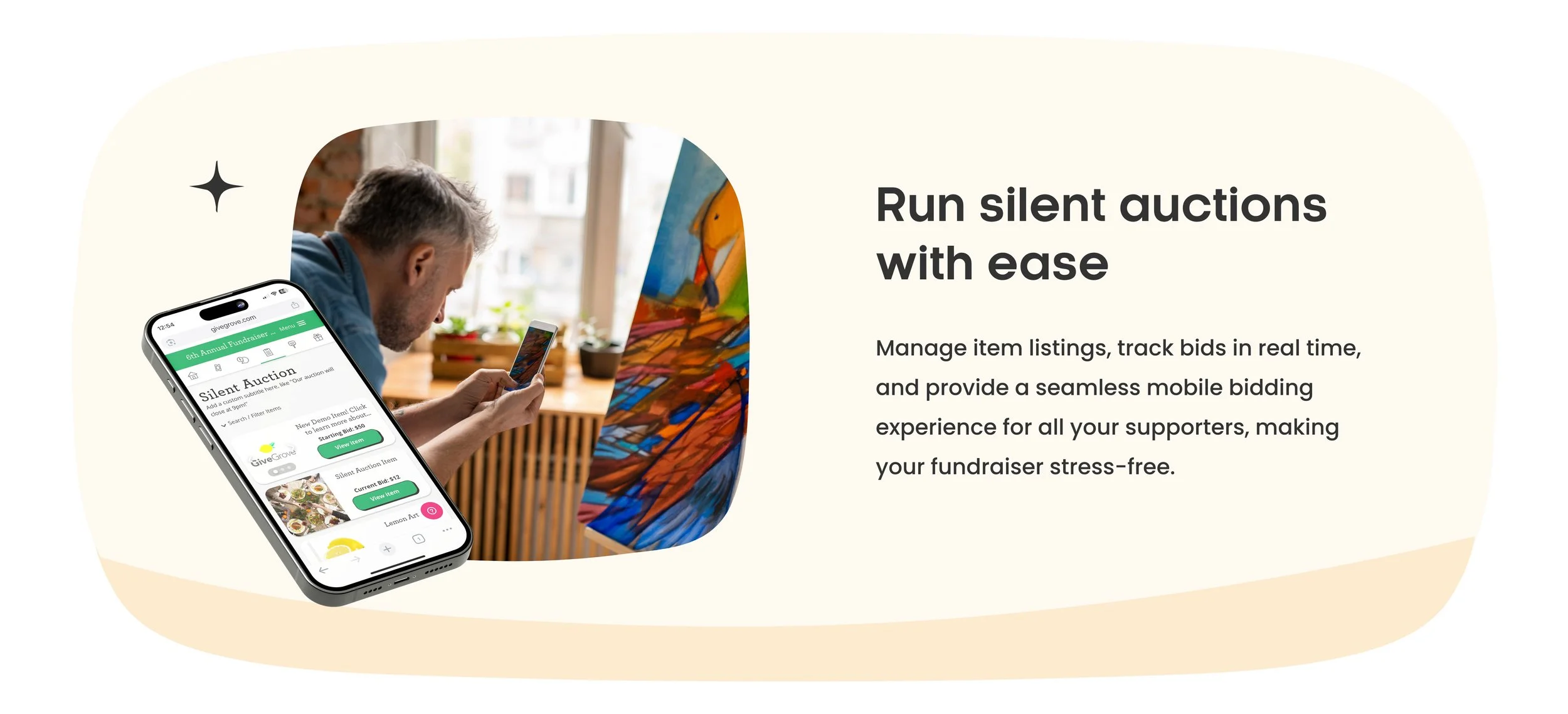
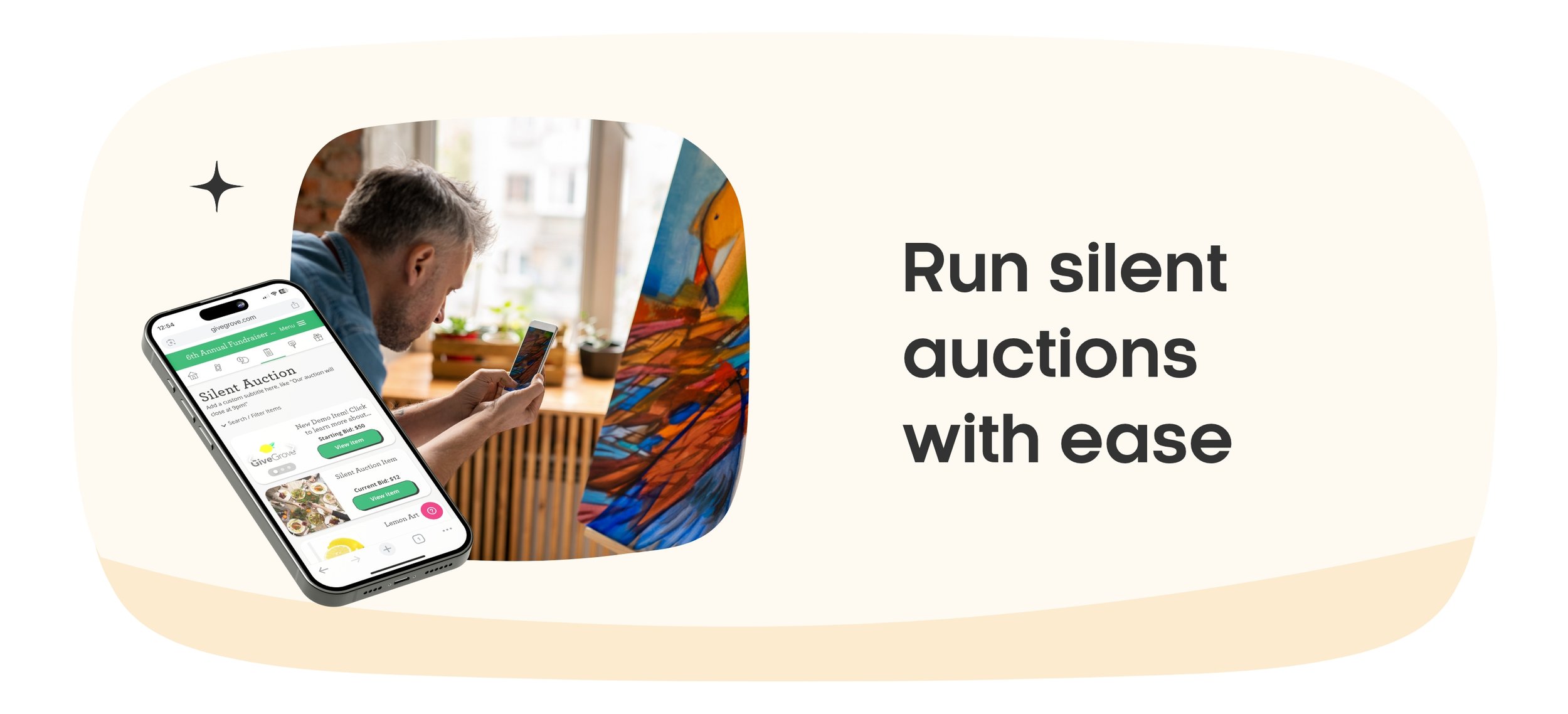
Engage your community with mobile-friendly bidding.
Easily set up items, set your starting bids, bid increments, manage bidders, and track progress in real time.
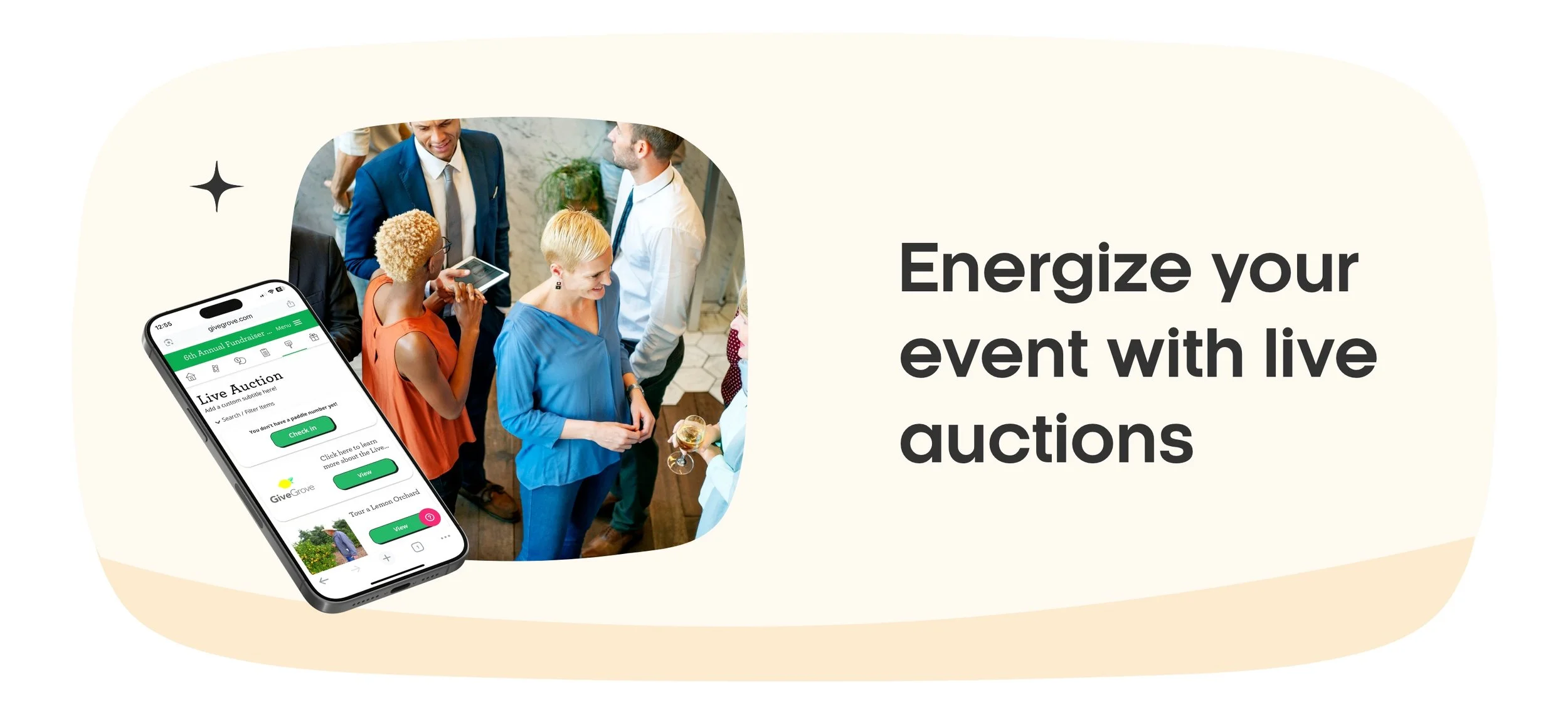
Live Auction
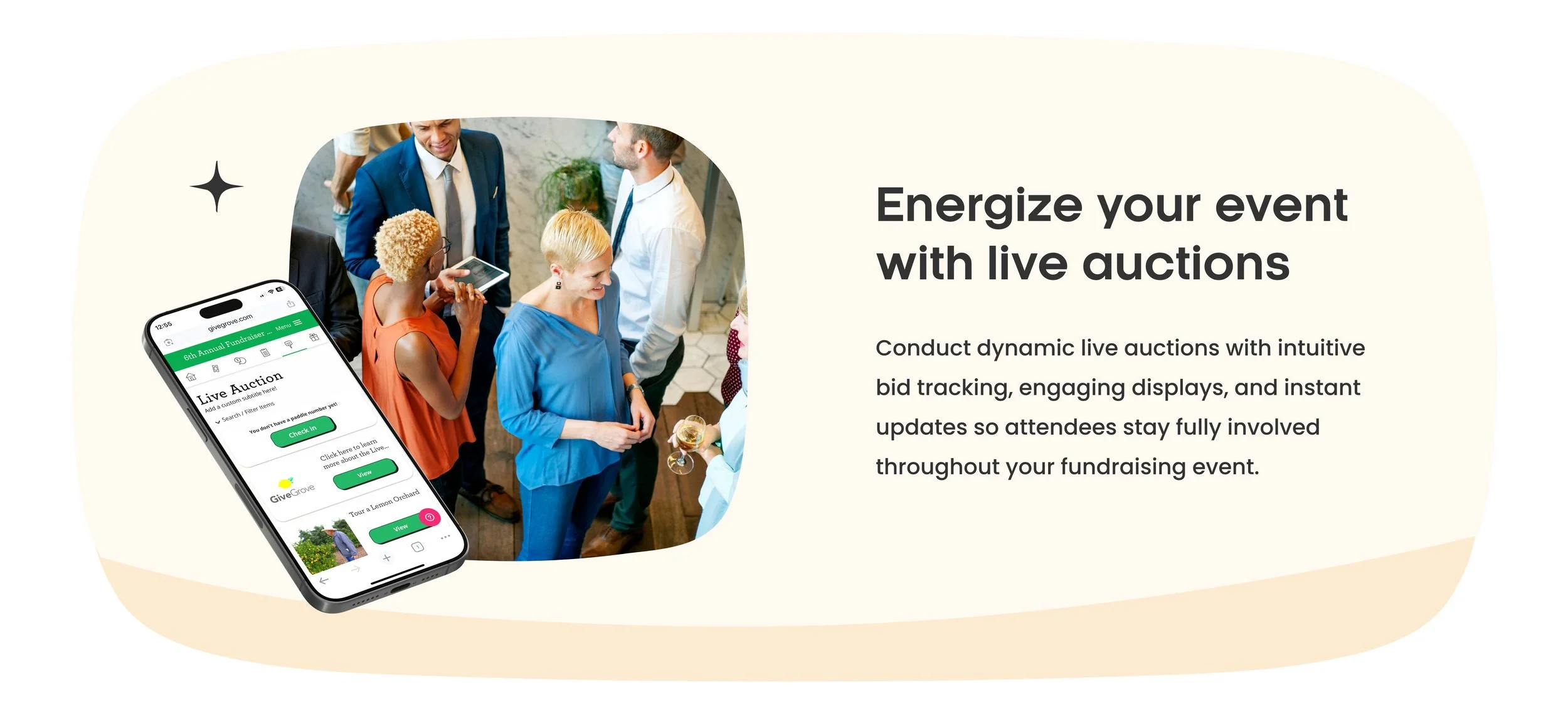
Host in-person or hybrid events with live giving moments.
Self-assigned paddle assignments, capture paddle raises, and run a smooth, professional auction night. Check in AND out guests in real time!
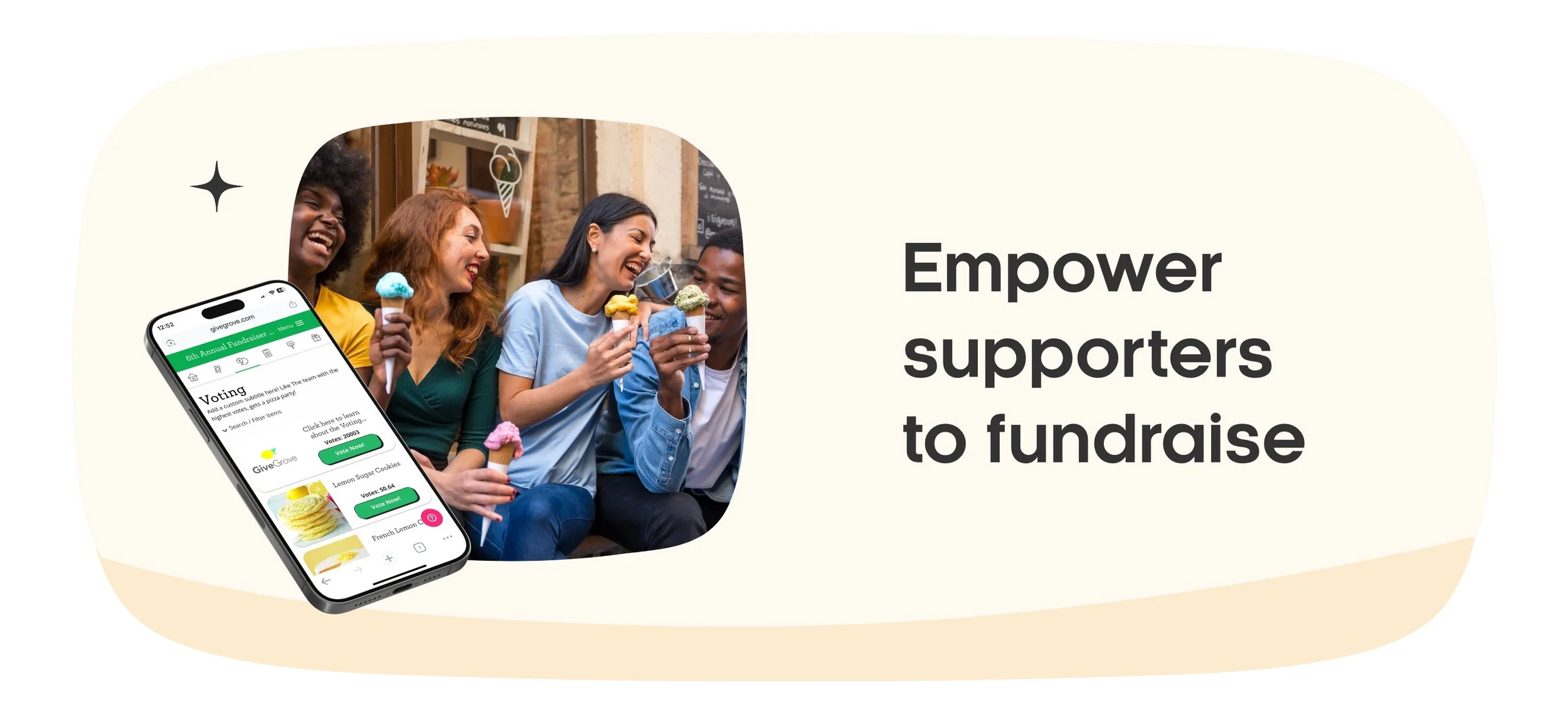
Peer-to-Peer
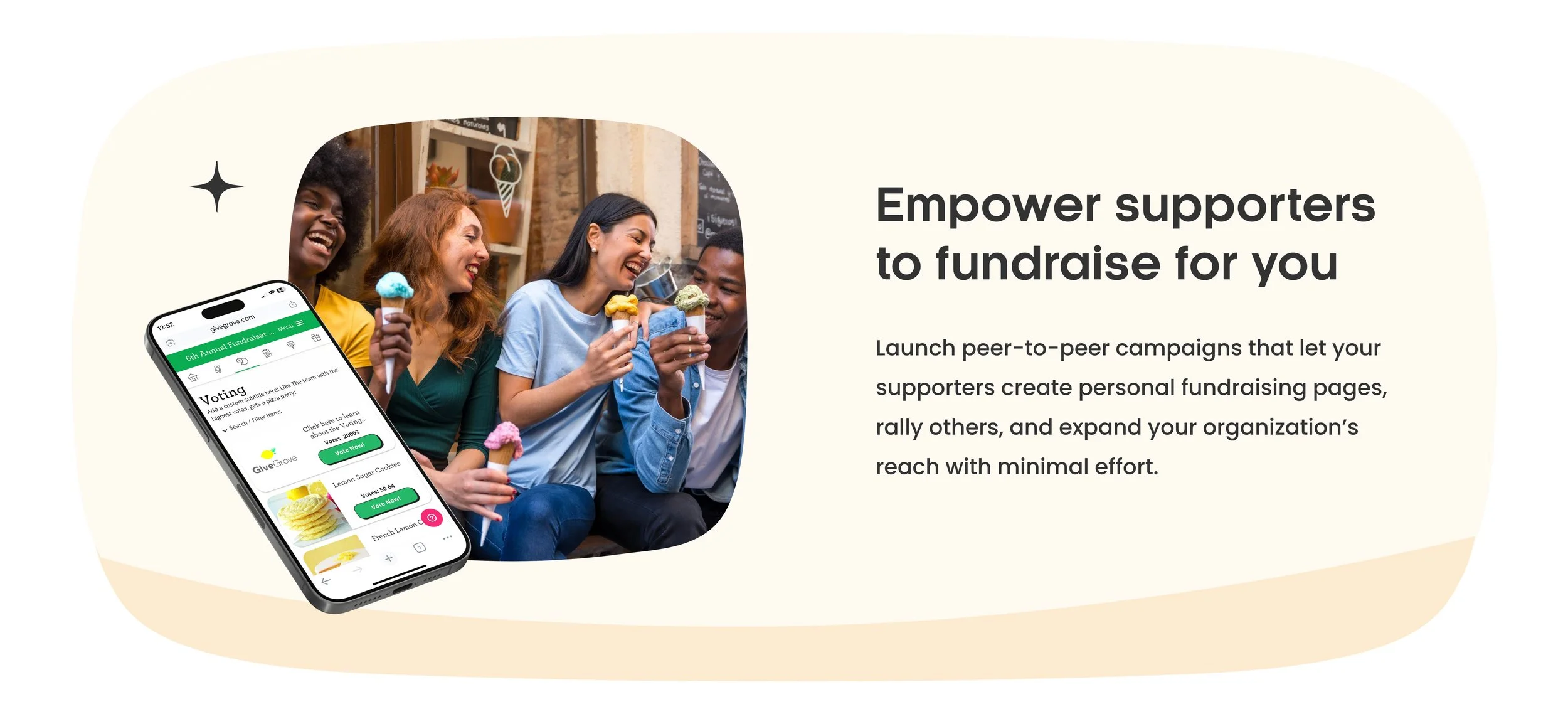
Turn your supporters into fundraisers.
Have a large voting event? Want to create some competitive team fundraising? Let individuals or teams rally their networks for your cause. Set the vote amount, the time of the voting, and let the votes come in!

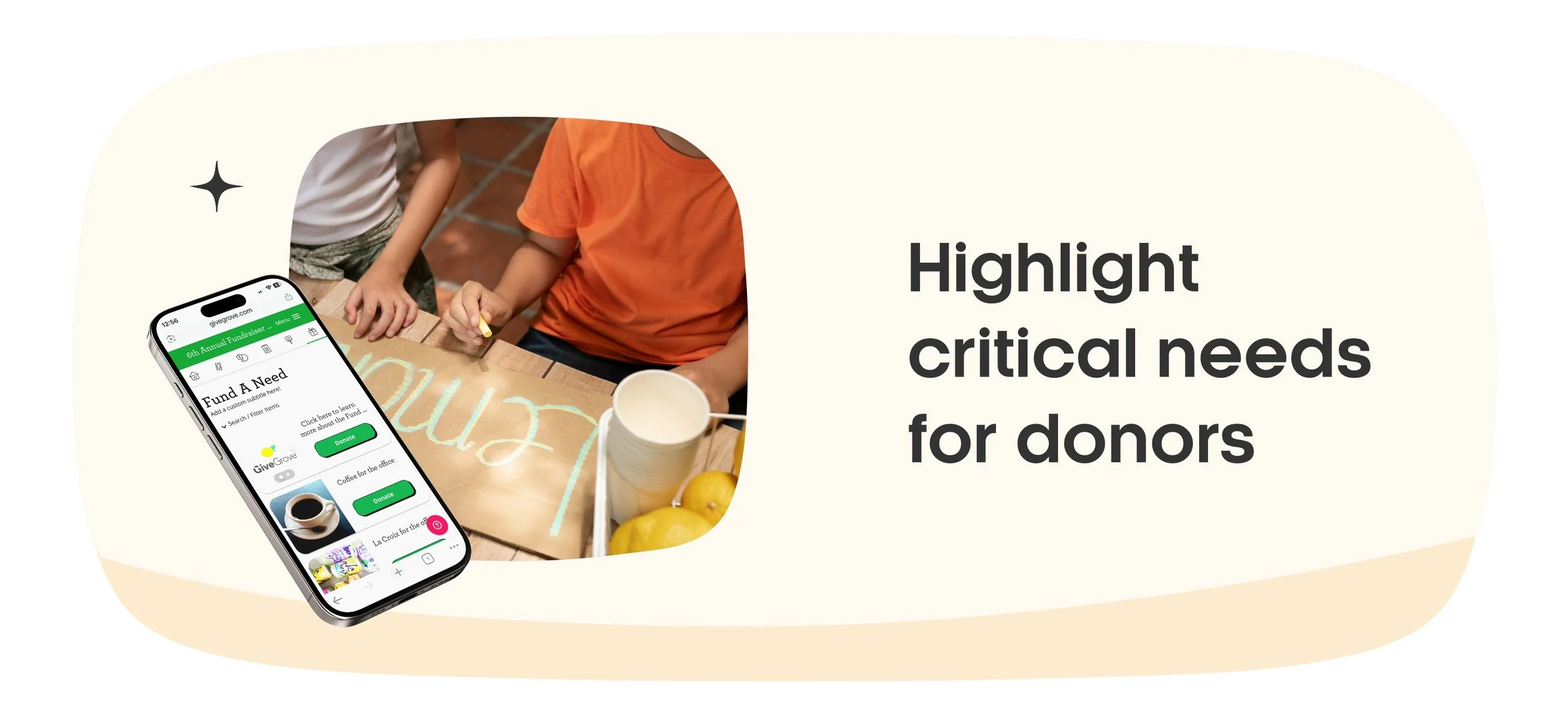
Fund-a-Need
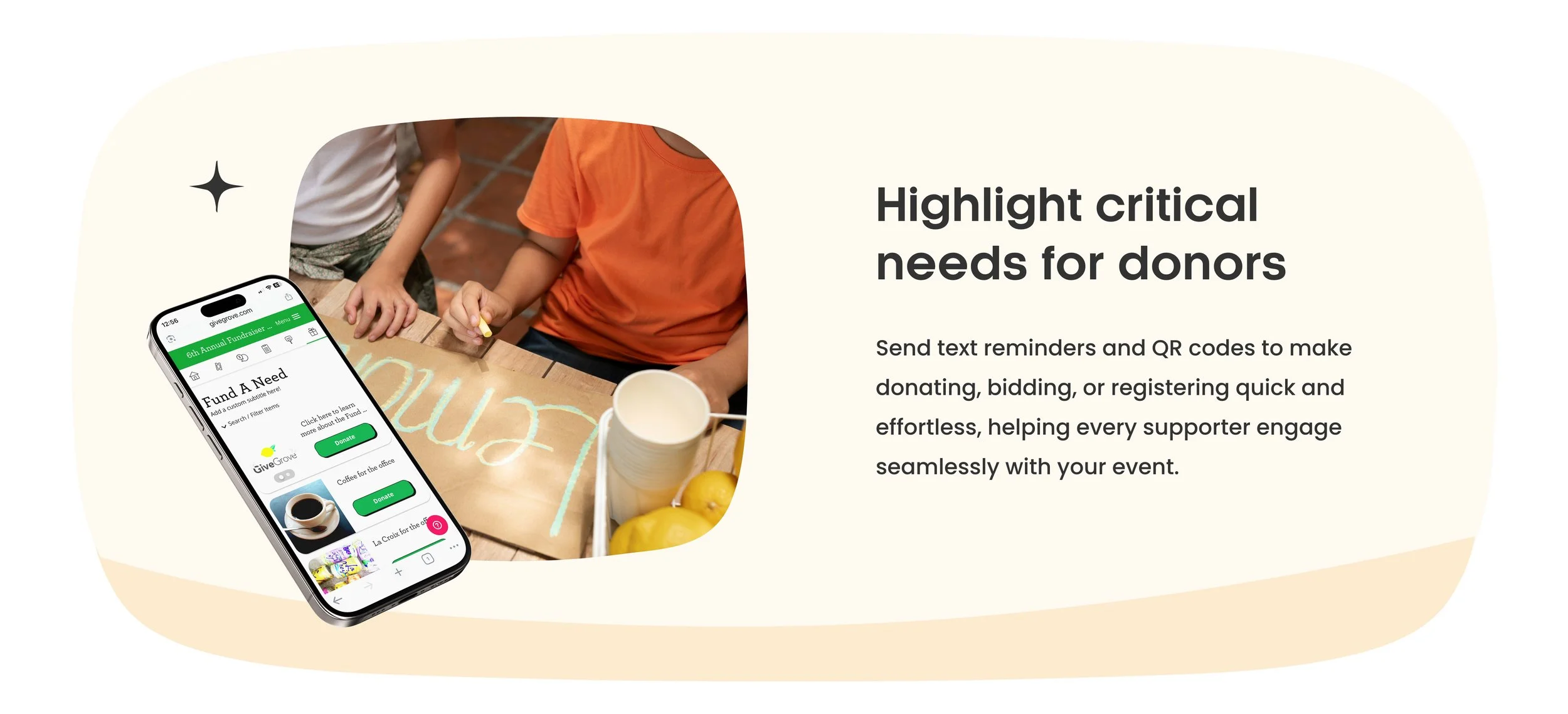
Highlight specific giving opportunities with impact.
Raise funds for equipment, scholarships, or urgent needs—fast. Share and create your most pressing needs with us to 6 different donation amounts as well as an “other” field for guests to donate to your most pressing needs and goals!

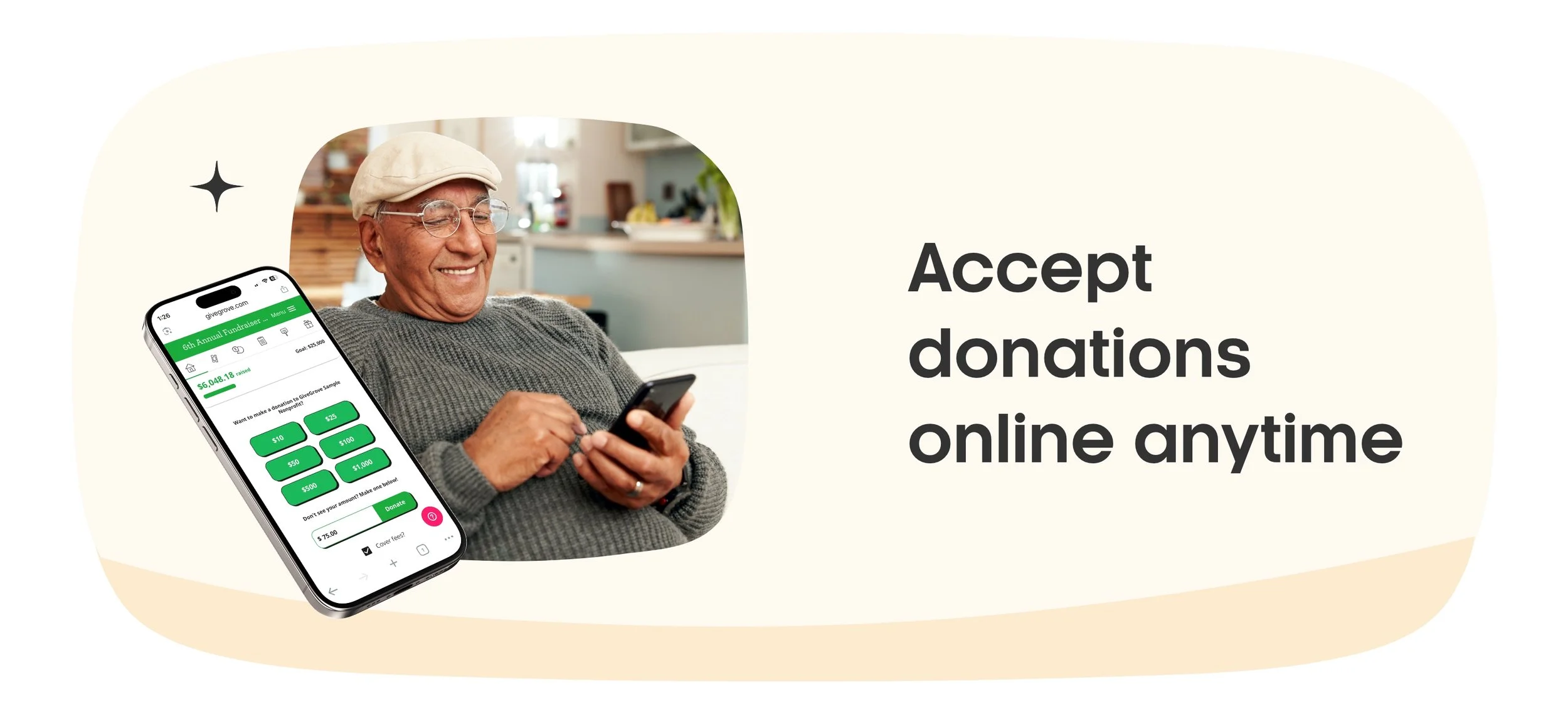
Donation Page
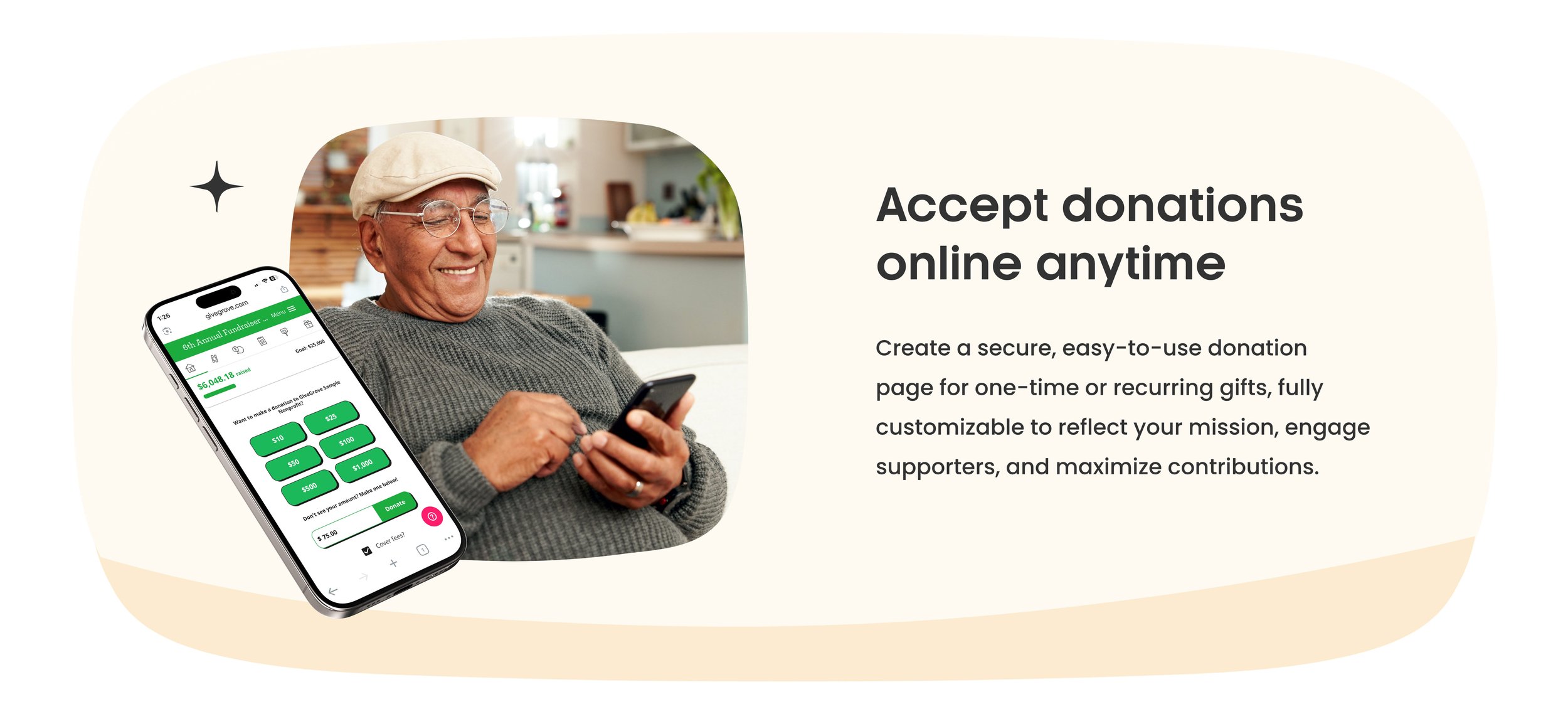
Make giving simple year-round.
Accept donations outside of events with a clean, easy-to-use page. You set the amounts that you want people to donate! Brand it to your colors and hex codes!
How does it work?
Process
Step
One
Share your fundraising event link with donors

Step
Two
Collect donations and deposit straight to your account

Step
Three
Celebrate a successful fundraiser with your team 🍋 🎉

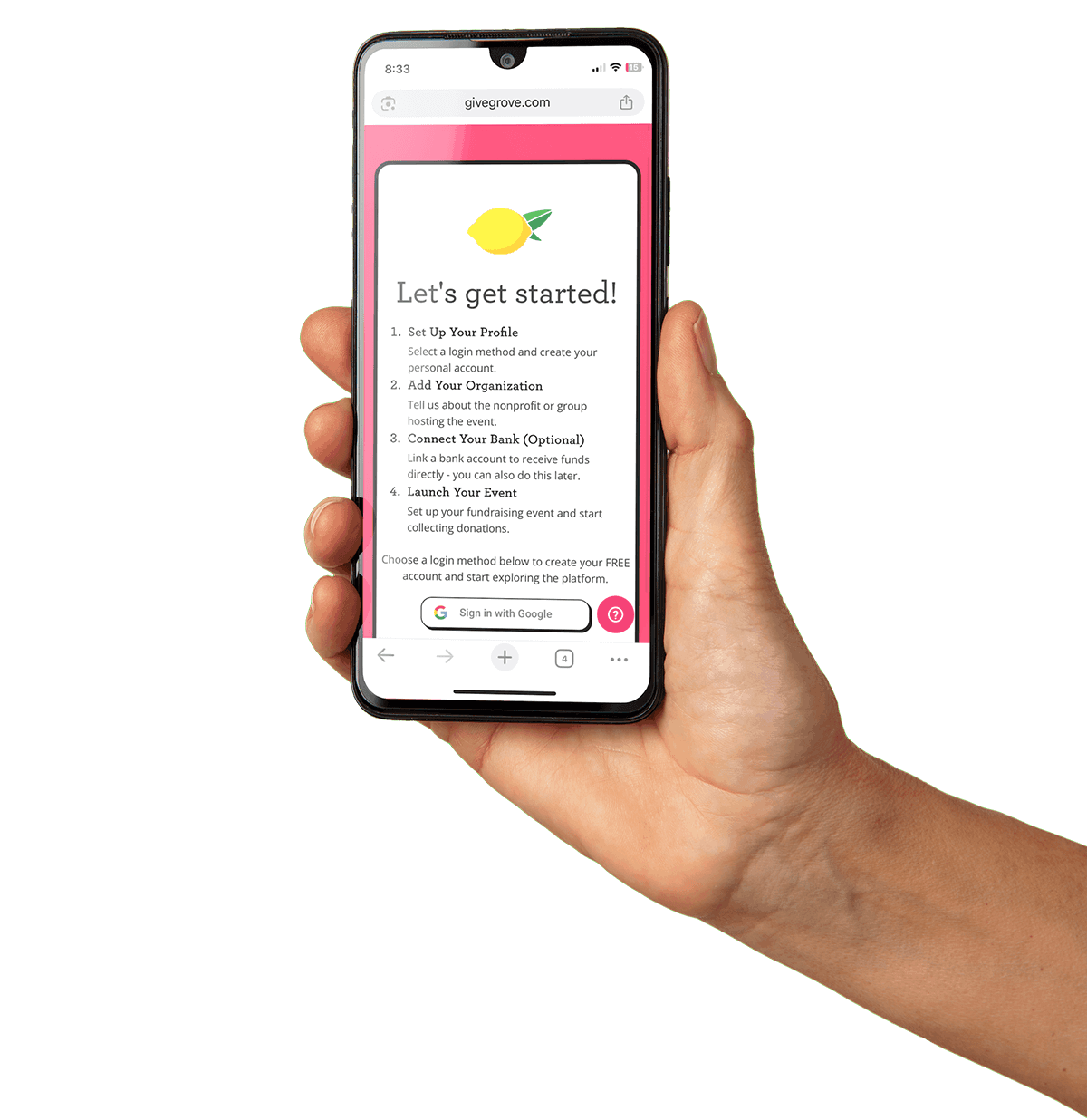
Get started!
Frequently Asked Questions
FAQ
-
With the GiveGrove GiveBack Program, our platform software is completely free for organizations to use. Nonprofits can create a professional-looking event website, add auction items, accept donations, and more—at no cost.
At checkout, GiveGrove asks donors if they would like to leave a voluntary suggested tip. These tips help keep GiveGrove free for organizations. When a donor chooses to tip, GiveGrove shares a portion of that tip back with the host organization as a GiveBack.
You’ll see GiveBack amounts clearly listed per transaction in your event export. There’s nothing extra you need to do—GiveBack funds are automatically deposited into your bank account every two business days along with your regular payouts.
-
With GiveGrove Classic , you don’t pay a dime until you raise money.
We charge 4% of donations that pass through the platform—and once your event hits $100,000 raised, we stop charging. That means the maximum fee you’ll ever pay is $4,000 per event.
You can ask (or require) donors to cover fees.
We have an average cover rate of 85–90%. This means you only pay a fraction of the cost.
Raised $10,000? Your total fee is $400, with donors covering fees? ~ $8 or less.
Raised $75,000? Your fee is $3,000. With donors covering fees? ~1,500
Raised $105,000? Still just $4,000. With donors covering fees? ~1,500 -
A few minutes! Nonprofits can set up an event in GiveGrove as a demo event or a live event within a few minutes.
-
You’ll need the name of your organization, your bank account information, and the details about your event like the start date and time as well as the event name. That’s it!
-
Our fee is 4% of any transaction that goes through the platform. So we don’t cost anything to create your event and or to demo the system. There are no contracts, so you don’t have to commit if your team goes a different direction!
We also give organizations the ability to ask donors to optionally or require covering the fees for the platform. This means, the event can cost an organization nothing to use our platform.
We also cap our fee at $4,000 per event, after that, we set our fee to 0% on your event. -
You get the donors name, email, phone, what item they purchased or donated to, if they covered fees, and then the net amount they paid as well as the breakdown of fees and the net to your organization.
Last, we share with you when that transaction was paid out to your organization with a date and timestamp. -
Nothing! Donor information is yours and yours alone. We never use or sell donor data. You always have access to past events and any reports associated with your account.
-
There are no contracts to use GiveGrove!
-
Every event has a text blast feature where you can communicate with donors who have opted-in to receive communication from your organization.
You also have an export of everyone’s phone and email which you can use to upload to your email client or CRM as needed to communicate with guests! -
We’d love to chat! Feel free to reach out HERE to schedule some time to chat.
-
We are on-call during your event. You can use the help button on every page of GiveGrove or reach out to us via email.
-
After every event, you’ll receive an email that gives you an overview of how your event did with the total net to your organization, how many donors covered fees, and your actual cost to use the platform.