Nonprofit Event Ticketing That Works the Way You Do

Ticketing

GiveGrove’s built-in ticketing system makes it easy to create, sell, and manage event tickets—without the need for spreadsheets, clunky check-in apps, or extra software.


Group of friends enjoying a summer outdoor gathering, with one woman playing guitar and singing, others laughing and chatting, in a park with trees and string lights.
A simple illustration of a beige cloud against a transparent background.
A black star-shaped sparkle on a white background.
A simple illustration of a beige cloud against a transparent background.
Pink rocket with a white oval labeled "Ticket" flying through the air with a blue paper airplane above it.

Built for fundraising events —not just entry
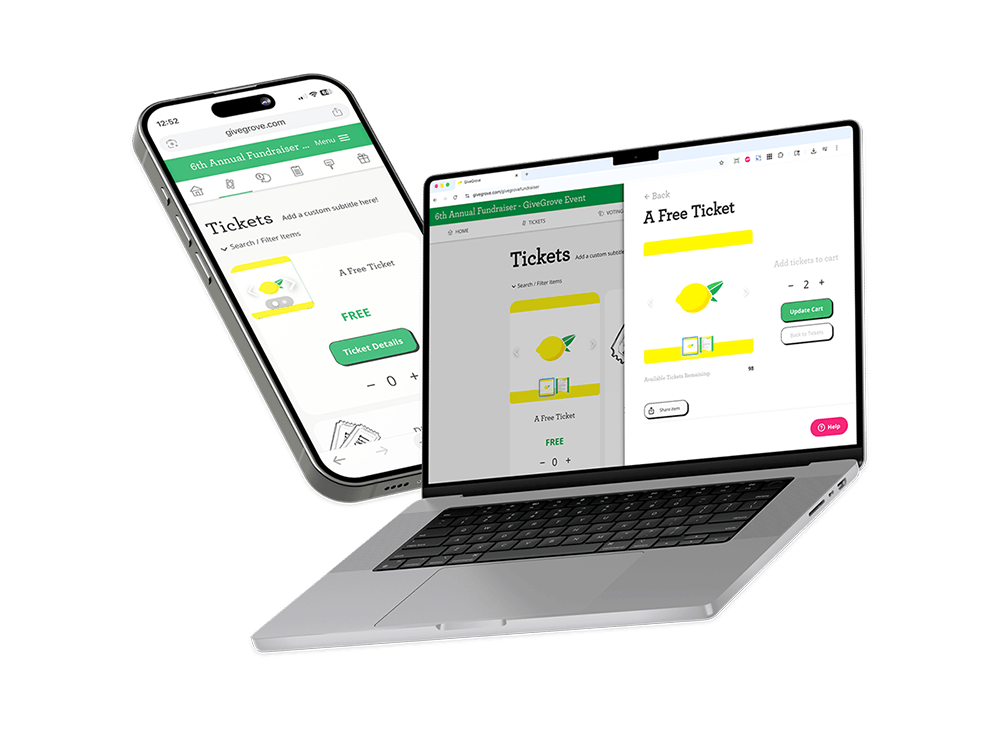
A smartphone and a laptop displaying a webpage for a fundraiser event with tickets. The screens show the ticket options, with a lemon icon, that are free and can be added to the cart.

Unlike other ticketing platforms that focus on getting people in the door, GiveGrove is designed with fundraising in mind. That means your ticket sales, donations, auctions, and peer-to-peer campaigns all live in one place—with real-time reporting and donor-friendly checkout.

A simple black star icon with four points on a white background.

Key Features for Event Ticketing

Features

Flexible Ticket Types
Sell individual tickets, sponsorship packages, tables, or group bundles—all within one event setup.

Comp Tickets, No Fees
Offer complimentary tickets to VIPs, staff, or donors who paid offline (like by check)—without triggering any fees.

Custom Fields for Attendee Info
Collect meal preferences, T-shirt sizes, accessibility notes, or anything else you need to plan your event.

✅ Easy Guest Management
Assign guests to tables, track who’s attending, and export your guest list any time.
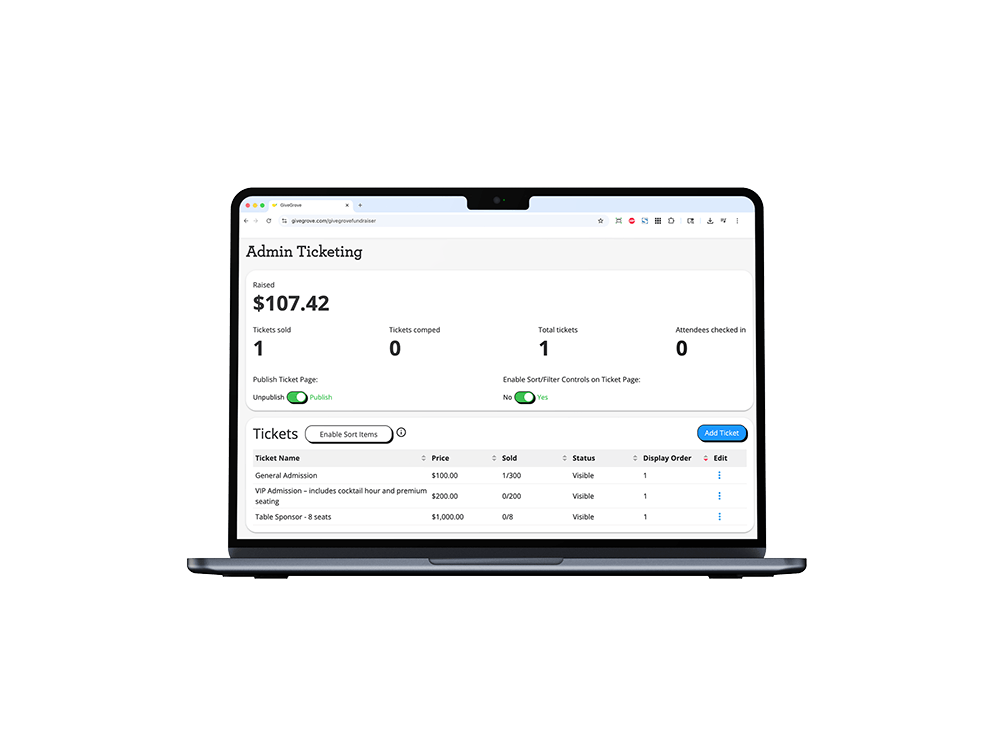
Laptop screen displaying an admin ticketing dashboard with total raised $107.42, one ticket sold, no tickets comped, and one total ticket, showing ticket options and prices.
A simple black star icon with four points on a white background.
A cartoon cloud with a beige color.
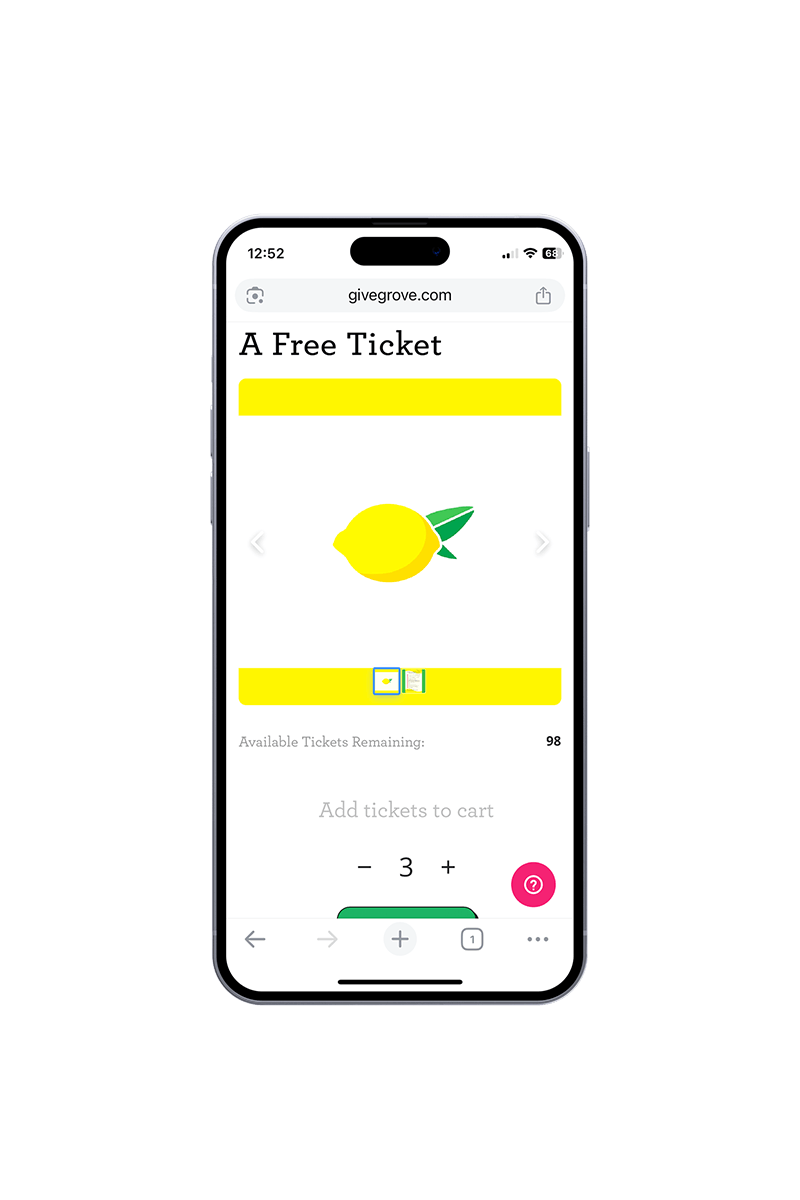
Mobile phone displaying a webpage offering free tickets, with an image of a lemon and a yellow banner.
A simple illustration of a beige cloud against a transparent background.

No upfront cost. No setup fee. Sign up free.

You don’t pay anything to use GiveGrove ticketing until purchases are made. GiveGrove pays out every two business days, so get your ticket sales money faster.

Donors can even cover your platform and processing fees—which means many organizations pay nothing out of pocket!
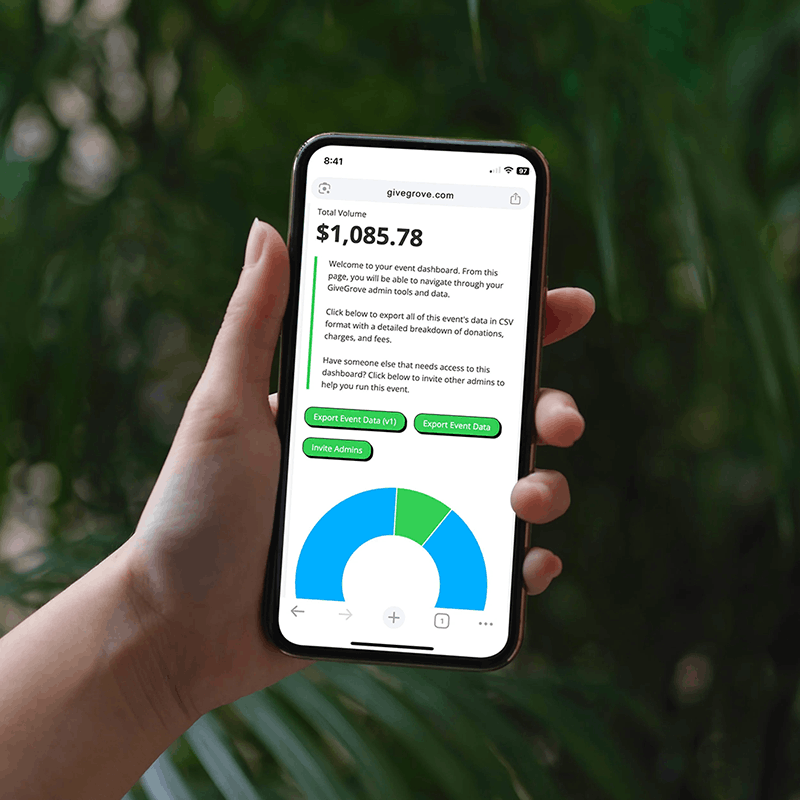
Person holding a smartphone displaying a dashboard with a total volume of $1,085.78, green buttons labeled Export Event Data and Invite Admins, and a blue and green pie chart.

How does it work?

Process

Step
One

Share your fundraising event link with donors

A colorful illustration of a wrapped gift box with a yellow bow and a pink tag showing a thumbs-up symbol.

Step
Two

Collect donations and deposit straight to your account

Illustration of a yellow hand holding up a globe with a map, and a cursor pointing to the globe.

Step
Three

Celebrate a successful fundraiser with your team 🍋 🎉

A trophy cup with a black star in the center, filled with money and coins, placed on a winner's podium with Roman numeral I.

Services

Plain abstract background with soft beige and cream wavy layers.

Host in-person or hybrid events with live giving

Engage your community with mobile-friendly bidding

Turn your supporters into fundraisers

Peer-
to-Peer
Illustration of two hands shaking, one wearing a red watch and the other wearing a black watch, symbolizing cooperation or partnership.